Anydesk
AnyDesk, a fast remote access to computers

Safe & Secure
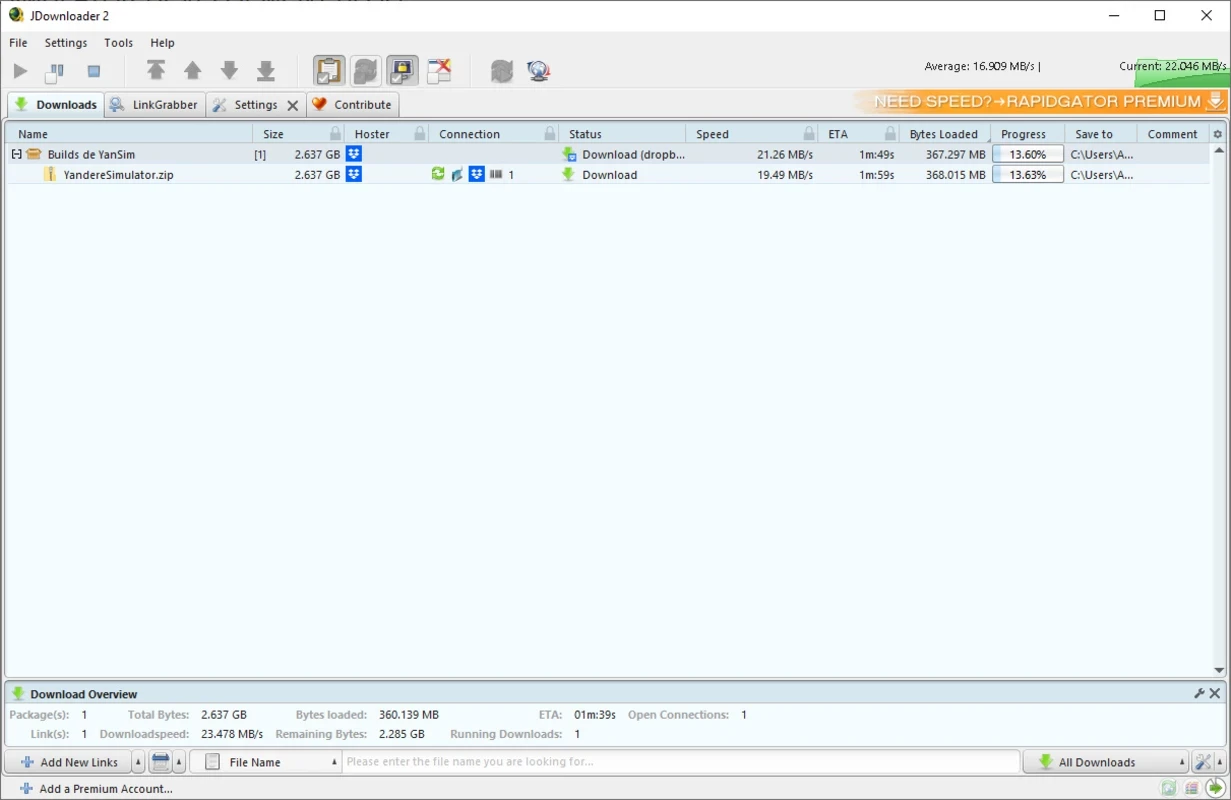
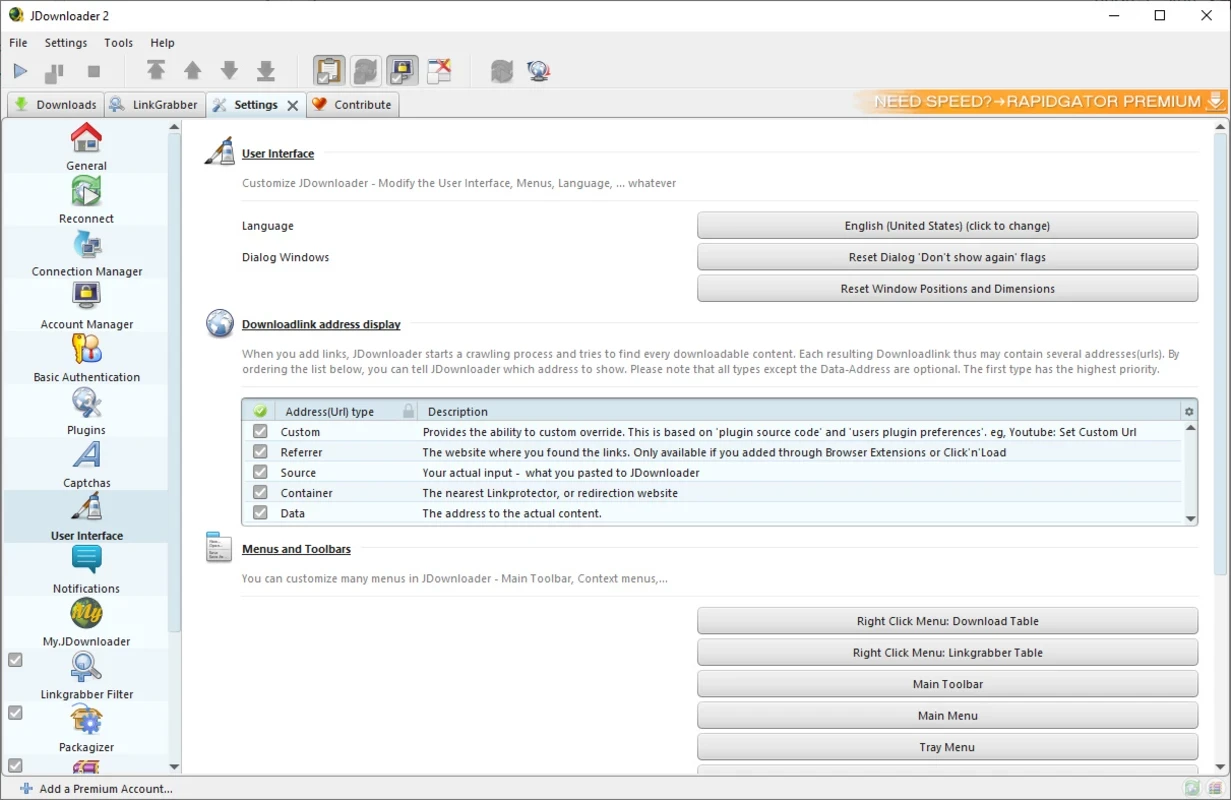
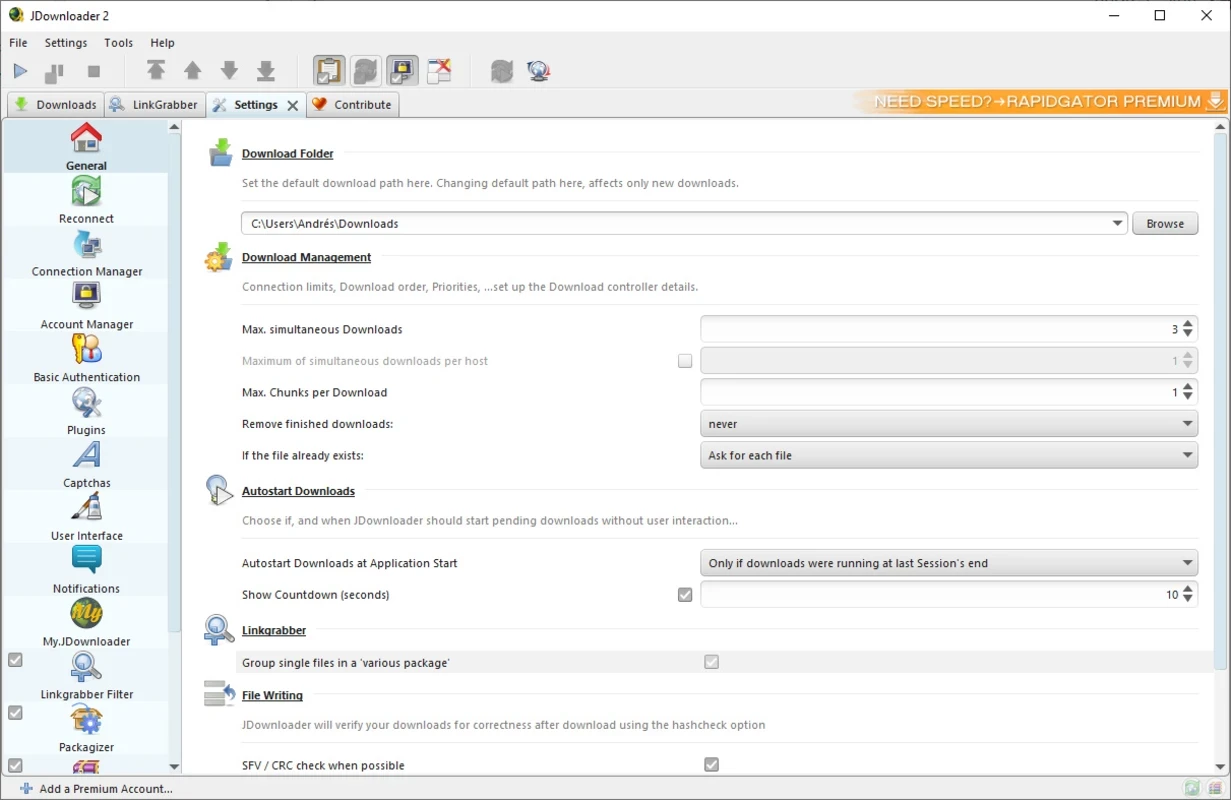
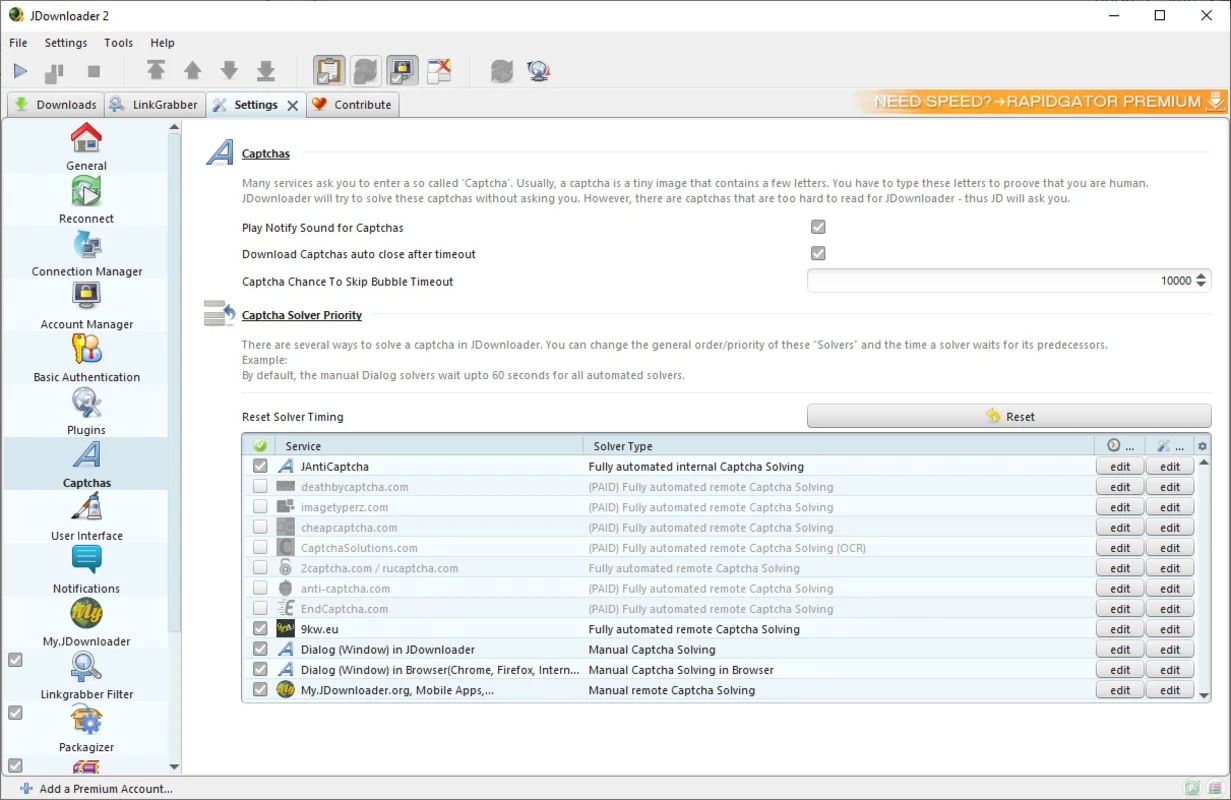
JDownloader is a free and open-source download management tool that allows users to manage their downloads more effectively. It enables you to download your desired content from multiple hosting services, including Mediafire, the accessible 4Shared, and a lot of other innovative hosting services.
The app offers a modern interface with multiple awesome features such as analyzing entire web pages to download links, setting speed limits, automatically unzipping compressed files, pause and resuming downloads. It also manages links to pages using different hosting services.
JDownloader, developed by Jago, falls under the Utilities and Tools category and is a donationware download manager. The Java-based tool was launched in 2009, basically designed for bypassing the restrictions offered by media hosting services. Within the launch year, the app ranked among the top 50 downloaders.
It is one of the most usable apps across the world, avoiding slow downloads, annoying captchas, or file splitting, instead offering a fast downloading process along with batch downloads, auto-extracts archives, and also solves captchas to save your time and energy.
The app works more efficiently, and similar to other such powerful utilities, it is also capable of initiating, halting, or pausing downloads, according to your preferences. The auto-extract feature for archives simplifies the process of retrieving content from compressed files. It also helps to solve some CAPTCHAs automatically for managing file links.
It is also one of the significant features that makes your downloading process quick and easy. It helps to get rid of downloading one-by-one files, and spending a lot of time; instead, the app allows you to select multiple files and click to download them. It will download multiple files simultaneously. You can download up to 100 files by queuing them with one click.
The app is capable of downloading and managing files while supporting multiple file hosting services, including Mega, Mixdrop, Krakenfiles, Pixeldrain, Mediafire, and others. It reliably processes all the files automatically and sequentially, as you can add hundreds of links, and the app starts downloading in the background. It will send a notification when the download is complete.
The app offers a simple and easy-to-understand interface, even for new users who don’t have familiarity with such programs. However, it is an older-fashioned format, but it offers quick responses, enabling you to understand everything available on the main screen. The app has been working more efficiently for many years, with regular updates, and it has unquestionably been improved upon over time.
The app offers exclusive services to manage your downloads from one source, controlling multiple elements to optimize the use of bandwidth in a better way. It works similarly to other downloaders, allowing users to paste the link of the web page into the LinkGrabber of the app, and the video will be downloaded within seconds to the hard drive of your device.
The open-source capability enables users to access the source code easily and enables users to add their own contributions to enhance the functionality. The app is available for free and doesn’t demand any hidden charges. However, you have to watch advertisements within the free version. The app offers a flexible downloading process, allowing users to download whatever they want, such as audios, video, and so on.
The app works simply, as you need only to provide download links and let the app turn your provided links into download packages. Your downloaded videos are saved in the location you have selected. It is also possible to change the location for each entry and maintain the importance of different videos while setting the priority level. In this way, the downloader can easily download the important one while leaving the less important ones in the background.
The app offers free of cost services, offering all basic features for free. However, if you aren’t satisfied with the free version and want some advanced functionalities, you need only to select the Premium account from the bottom of the JDownloader client. You can select from Premium Pro and Premium Max and enjoy advanced features such as higher download speeds from more than 200 partner pages, security scanning of download files, ad removal, exclusive servers with higher speeds, and so on.
Pros
Cons

AnyDesk, a fast remote access to computers

Accelerated Downloading with Internet Download Manager (IDM)

SHAREit for PC is the best option for a P2P file-sharing process without using Wi-Fi.

ShareMe for PC, a freeware and streamlined file-sharing app

uTorrent, a powerful, lightweight, and fastest P2P file-sharing software

Xender for PC, an effective and convenient file transfer utility